

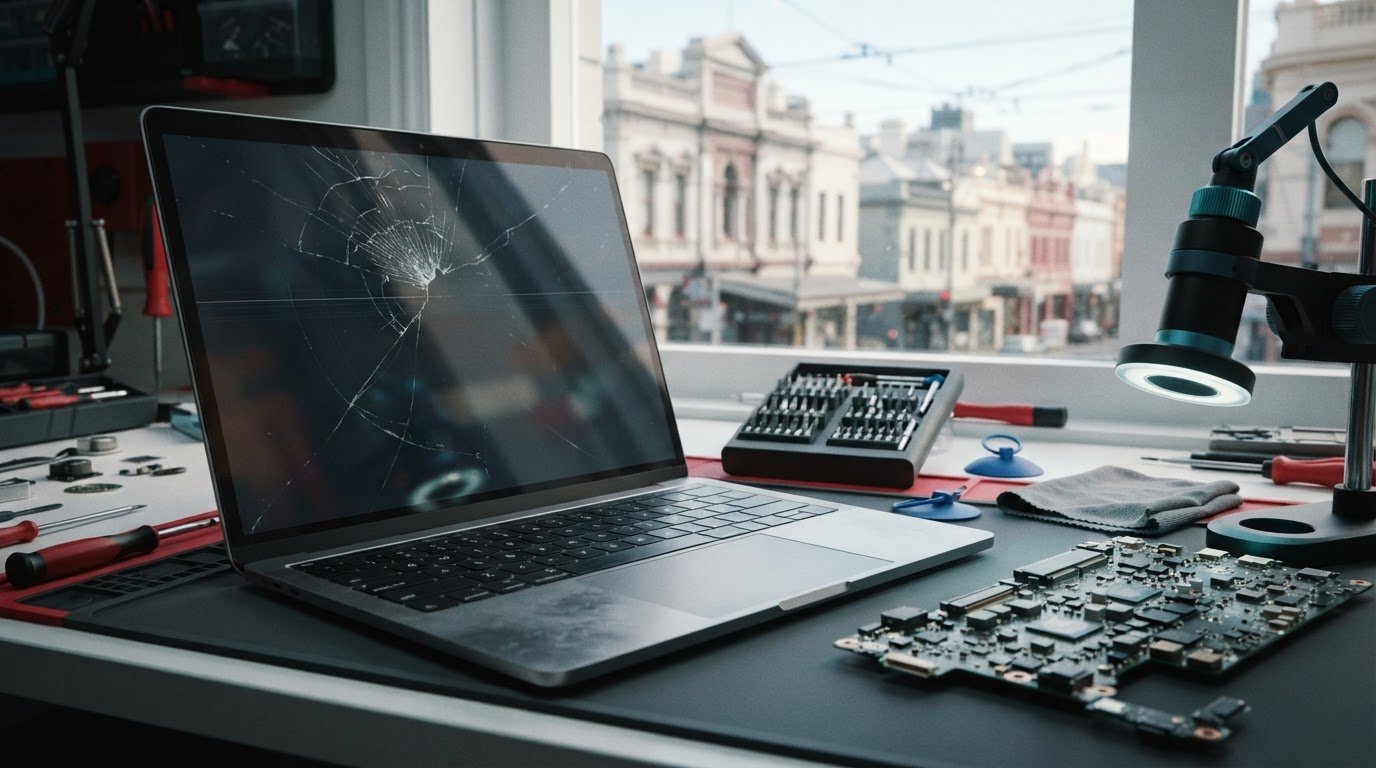
A cracked or blank display doesn’t always reveal the whole fault. With a macbook air m1 screen replacement melbourne repair, an accurate assessment is the first step. It helps identify whether the display is the problem or whether another component may be involved.
MacBook Air M1 screens can be replaced in Melbourne. Cracks, flickering or a display that won’t turn on can interrupt work and study, so it helps to know what to expect from the repair process. At SIMSIM Repairs, experienced technicians carry out MacBook screen replacements using high-quality replacement parts.
This guide covers common display symptoms, what to expect during an assessment and how to prepare your MacBook before bringing it in. You’ll also find practical points to consider when deciding whether repair suits your needs. SIMSIM Repairs’ store is at 80 Flinders St, Melbourne VIC 3000. Clear steps can make it easier to decide what to do next.
Key Takeaways
- Cracks, lines, flickering or a blank display can indicate a screen problem, but symptoms alone may not identify the cause.
- An assessment helps determine whether MacBook Air M1 screen replacement is the appropriate repair.
- When weighing repair against replacing the laptop, consider the screen damage, the MacBook’s overall condition and how you use it.
- If your MacBook is still usable, back up important files and note what the display is doing before bringing it in.
- Book a MacBook screen repair with SIMSIM at 80 Flinders St, Melbourne VIC 3000, and visit the SIMSIM YouTube channel.
MacBook Air M1 Screen Replacement in Melbourne: Recognising the Problem
A damaged display can bring work or study to a stop. Cracks, flickering, lines or a screen that stays blank are good reasons to arrange an assessment, but they don’t automatically show which component is at fault. A sensible approach to macbook air m1 screen replacement melbourne starts with noting what you see and when it happens, then having the MacBook assessed before choosing a repair.
Screen replacement involves replacing the damaged display assembly so the screen can be used again. Whether it’s the right repair depends on the cause of the symptoms, not only on how they look.
Which MacBook Air M1 screen symptoms need attention?
Some screen damage is easy to see, such as a cracked panel, impact marks or a distorted image. Other problems appear during use: the display may flicker, show lines or patches, or remain blank. If the symptoms are worsening or making the MacBook difficult to use, arrange an assessment rather than waiting for the display to become completely unusable.
Before booking, note when the problem appears and whether it changes. Does it happen every time you open the MacBook, or only occasionally? Did it start after an impact? A clear description helps explain the issue, but it can’t confirm on its own that the screen is the only component involved.
Could a blank display be caused by something other than the screen?
Yes. Display symptoms can overlap with power or other hardware issues, so a blank screen alone isn’t enough to identify the cause. Have the MacBook assessed instead of assuming that screen replacement is needed. Diagnosis helps determine whether the display is the main issue and whether replacement is an appropriate next step.
This careful approach aligns with the broader right to repair movement, which centres on repairing electronics rather than replacing an entire device unnecessarily. SIMSIM’s experienced technicians provide MacBook screen replacement using high-quality replacement parts. To arrange an assessment at the Melbourne store, book with SIMSIM at 80 Flinders St, Melbourne VIC 3000. You can also find repair information on the SIMSIM YouTube channel.
What Happens During a MacBook Air M1 Screen Replacement?
A useful repair process starts with the symptoms, not an assumption about the part. For macbook air m1 screen replacement melbourne, the practical sequence is to describe what’s happening, have the MacBook assessed, determine whether screen replacement suits the fault, and check that the display is usable after the repair.
Diagnosis matters because similar symptoms can have different causes. Replacing a screen without first assessing the problem risks addressing the wrong fault. An assessment gives the repair a clear starting point and helps you understand why screen replacement is being considered.
How is the screen fault assessed?
Before bringing in your MacBook, note what you’ve observed. Describe any visible damage and when the problem occurs. For example, mention whether flickering starts during use, whether lines remain on the screen or whether the display stays blank when you try to use the device. These details help explain the problem without requiring you to diagnose it yourself.
At SIMSIM, experienced technicians assess the reported problem and consider whether it points to a screen fault. The assessment helps determine whether MacBook screen replacement is appropriate. Because a symptom alone can’t confirm the cause, decisions about parts and repair should follow an assessment rather than guesswork.
What happens during and after the replacement?
When screen replacement is appropriate, the repair focuses on restoring a usable display. SIMSIM carries out MacBook screen replacement using high-quality replacement parts. The work is guided by the assessment of the device, so the repair addresses the fault identified rather than relying on appearances alone.
After the repair, the display can be checked for basic operation, including whether it shows an image and is usable. If you notice a concern when you receive the MacBook, describe what you’re seeing so it can be understood in context.
In short, describe the symptoms, have the MacBook assessed, proceed with screen replacement when it suits the fault, and check that the display is usable afterwards. This keeps the focus on the actual problem and helps avoid replacing a component based on appearances alone.
SIMSIM’s Melbourne store is at 80 Flinders St, Melbourne VIC 3000. To arrange an assessment, book a MacBook screen repair with SIMSIM. For more repair information, visit the SIMSIM YouTube channel.
Repair or Replace Your MacBook Air M1? A Practical Comparison
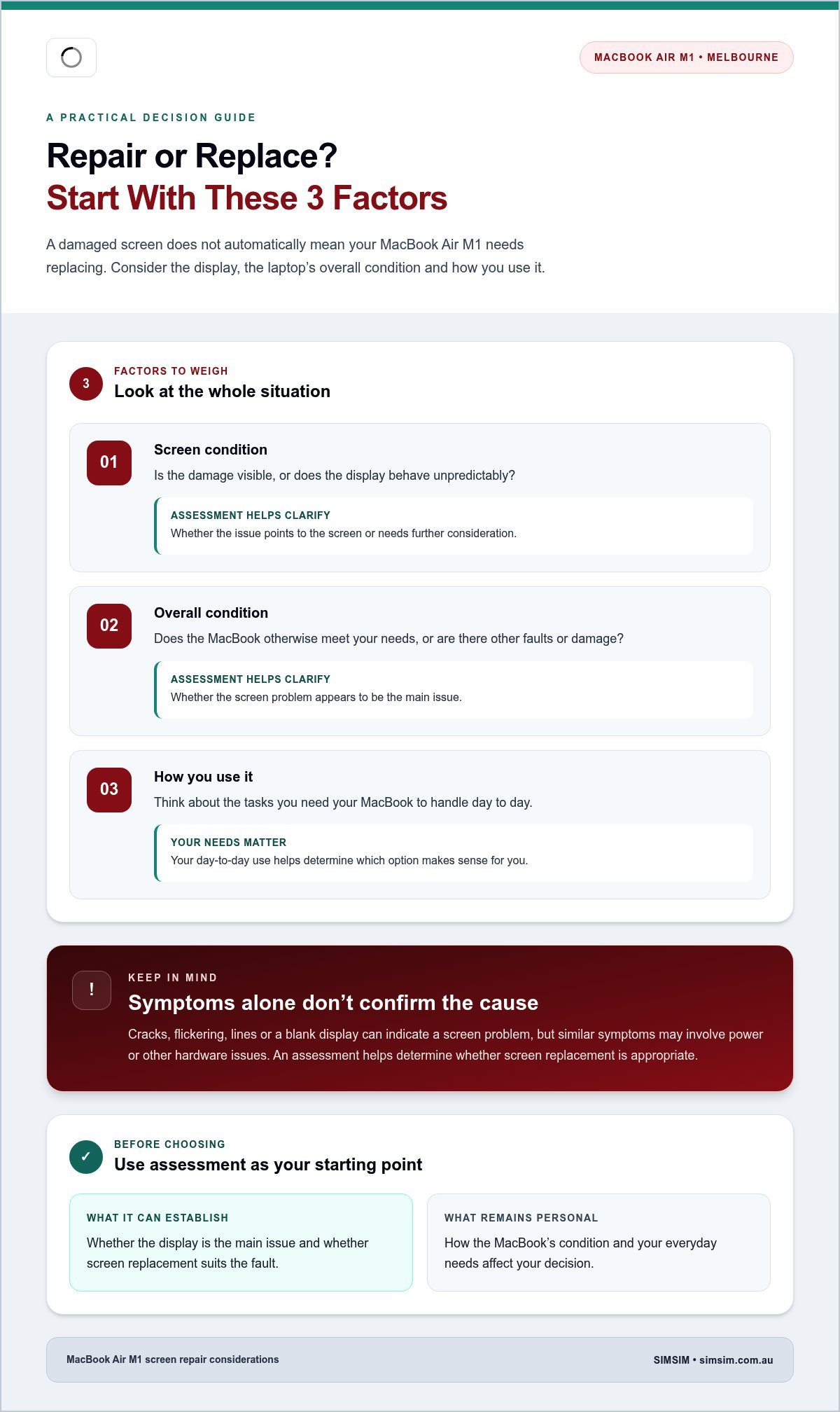
A damaged screen doesn’t automatically mean your MacBook Air M1 needs replacing, and repair may not suit every situation. Consider the screen alongside the laptop’s overall condition and the tasks you need it to handle. An assessment helps establish whether the display is the main issue, giving you a more useful basis for deciding what to do next.
Use the questions below to organise your decision. The assessment can clarify the fault, while your day-to-day needs help determine which option makes sense for you.
| Factor | What to consider | What the assessment helps answer |
|---|---|---|
| Screen condition | Is the damage visible, or does the display behave unpredictably? | Does the issue point to the screen, or need further consideration? |
| Overall condition | Does the MacBook otherwise meet your needs, or are there other faults or damage? | Is the screen problem the main concern, or one part of a wider condition? |
| Everyday use | Do you rely on it for work, study or regular personal use? | Would restoring the display support the way you expect to use it? |
When might screen repair make sense?
If your MacBook still suits your work, study or everyday routine, it may be worth considering screen repair. Think about the tasks you depend on it for and whether the rest of the device continues to meet those needs. An assessment for macbook air m1 screen replacement melbourne can help determine whether the display is the main fault. It gives you information for the decision, not an automatic recommendation to repair.
When should you consider the laptop’s wider condition?
There’s no universal answer based on the screen alone. SIMSIM’s experienced technicians provide MacBook screen replacement using high-quality replacement parts, and an assessment helps establish whether it suits the fault. To take the next step, arrange a MacBook screen repair assessment with SIMSIM at 80 Flinders St, Melbourne VIC 3000. You can also visit the SIMSIM YouTube channel.
Preparing for MacBook Air M1 Screen Repair in Melbourne
A little preparation can make an assessment more useful and help you explain what’s happened. Before arranging macbook air m1 screen replacement melbourne, note the display behaviour, back up important files if the MacBook is usable, and bring it to SIMSIM’s store at 80 Flinders St, Melbourne VIC 3000.
What information should you bring to the assessment?
Small details can help explain the problem. Write down what the screen is doing and when you first noticed it. Include whether the issue happens consistently or comes and goes, and mention any recent impact or other visible damage. If you know the MacBook Air M1 model information, have it ready as well.
How can you prepare your MacBook and data?
If the MacBook still works well enough to use, back up important files before bringing it in. That gives you a separate copy of work, study materials and personal documents. If the display is unusable, don’t force the device through risky workarounds just to create a backup.
Keep your account passwords private and follow your usual device security practices. You can describe the symptoms without sharing a password. For wider Apple-device repair information, explore SIMSIM’s Apple repair services.
Use this quick checklist before heading to the Melbourne CBD store:
- Record the display symptoms and when they began.
- Note any recent impact or visible damage.
- Have the MacBook model details ready if available.
- Back up important files if the device remains usable.
- Keep passwords private and don’t attempt risky disassembly.
These steps help you explain the issue clearly while leaving diagnosis and repair to experienced technicians. SIMSIM provides MacBook screen replacement using high-quality replacement parts. To arrange your visit, book a MacBook screen repair assessment at 80 Flinders St, Melbourne VIC 3000. You can also find repair information on the SIMSIM YouTube channel.
Book MacBook Air M1 Screen Replacement with SIMSIM in Melbourne
A damaged screen can make your M1 MacBook Air difficult to rely on, but the right next step is to understand the fault. SIMSIM provides MacBook screen replacement in Melbourne, with experienced technicians and high-quality replacement parts. An assessment guides the repair decision, so the next step is based on the device’s condition rather than symptoms alone.
What to expect when booking a local repair
Use the online booking page to arrange your visit, then bring your MacBook Air M1 to the SIMSIM store at 80 Flinders St, Melbourne VIC 3000. If you’ve noted how the display behaves, when the issue began and whether there’s visible damage, share those details when describing the problem.
The assessment guides what happens next. If screen replacement is appropriate, SIMSIM’s technicians carry out MacBook screen repairs using high-quality replacement parts. The repair is based on the device and the fault identified, so there’s no need to guess at the cause before the MacBook is examined. Plan for some time without the device while it is assessed and repaired.
A clear next step for your M1 MacBook Air
For macbook air m1 screen replacement melbourne, a considered repair process means describing the problem, arranging an assessment and using the diagnosis to guide your decision. That gives you a clearer basis for moving forward, whether you rely on your MacBook for work, study or everyday use.
Ready to arrange a local repair? Book your MacBook repair with SIMSIM and bring your device to the Melbourne CBD store at 80 Flinders St, Melbourne VIC 3000. For more repair information, visit SIMSIM Repairs on YouTube.
Take the Next Step Toward a Clearer Display
Cracks, flickering, lines or a blank screen can signal a display problem, but symptoms alone can’t confirm the cause. An assessment helps establish whether screen replacement is appropriate. The MacBook’s overall condition and your everyday needs can guide the repair-or-replace decision. If it’s still usable, back up important files and note what you’ve observed before bringing it in.
For macbook air m1 screen replacement melbourne, SIMSIM offers MacBook screen replacement with experienced technicians and high-quality replacement parts. Visit the Melbourne CBD store at 80 Flinders St, Melbourne VIC 3000 to take the next step.
Ready to arrange an assessment? Book your MacBook Air M1 screen repair with SIMSIM. You can also explore repair videos and information on SIMSIM Repairs on YouTube.
Frequently Asked Questions
Can a MacBook Air M1 screen be replaced in Melbourne?
Yes. SIMSIM assesses and replaces MacBook Air M1 screens in Melbourne. When arranging macbook air m1 screen replacement melbourne, describe what you see, such as cracks, lines, flickering or a blank display. An assessment helps determine whether the screen is the source of the problem and what repair is appropriate. SIMSIM’s store is at 80 Flinders St, Melbourne VIC 3000.
How do I know if my MacBook Air M1 screen is broken?
Cracks, visible lines, flickering, dark areas or a blank display can indicate a screen problem, but they don’t prove which component has failed. Note when the issue started and whether it changes during use. For example, record whether flickering comes and goes or the display stays blank. A technician can assess the MacBook and help distinguish possible screen damage from other faults before recommending a repair.
Is it worth replacing a MacBook Air M1 screen?
It depends on the screen damage, the MacBook’s overall condition and how well it still meets your needs. Consider whether you rely on it for work, study or everyday tasks, and include any other faults in your decision. An assessment can clarify the repair required, but the choice depends on your needs. Weigh the diagnosis against how you expect to use the MacBook before choosing between repair and replacing the laptop.
How long does MacBook Air M1 screen replacement take?
Repair time depends on the issue found during assessment and the work required. Use the SIMSIM booking page to arrange the next step and describe the symptoms you’ve noticed. If you rely on your MacBook for work or study, plan for some time without it while it’s assessed and repaired. SIMSIM’s store is in Melbourne CBD.
Should I back up my MacBook Air M1 before screen replacement?
Yes. If your MacBook still works well enough to use, back up important files before bringing it in. A backup is a sensible precaution before a device repair, even when the reported issue involves the display. If you can’t use the screen to access your files, explain that when arranging the repair. Don’t attempt risky disassembly or other repairs yourself to regain access.
How can I confirm my MacBook Air has the M1 chip?
If your MacBook is usable, open the Apple menu and select “About This Mac” to review its chip information. Note the model details before booking so you can describe the device accurately. If the display is unusable or you can’t identify the model, explain what you know about the device and describe its symptoms when arranging an assessment. Avoid guessing based on appearance alone.
Where is SIMSIM’s store for MacBook repair in Melbourne CBD?
SIMSIM’s store is at 80 Flinders St, Melbourne VIC 3000. To arrange a MacBook Air M1 screen assessment, use the online booking page and describe the display problem clearly. Use this address when planning your visit. For more repair information, explore SIMSIM Repairs on YouTube.